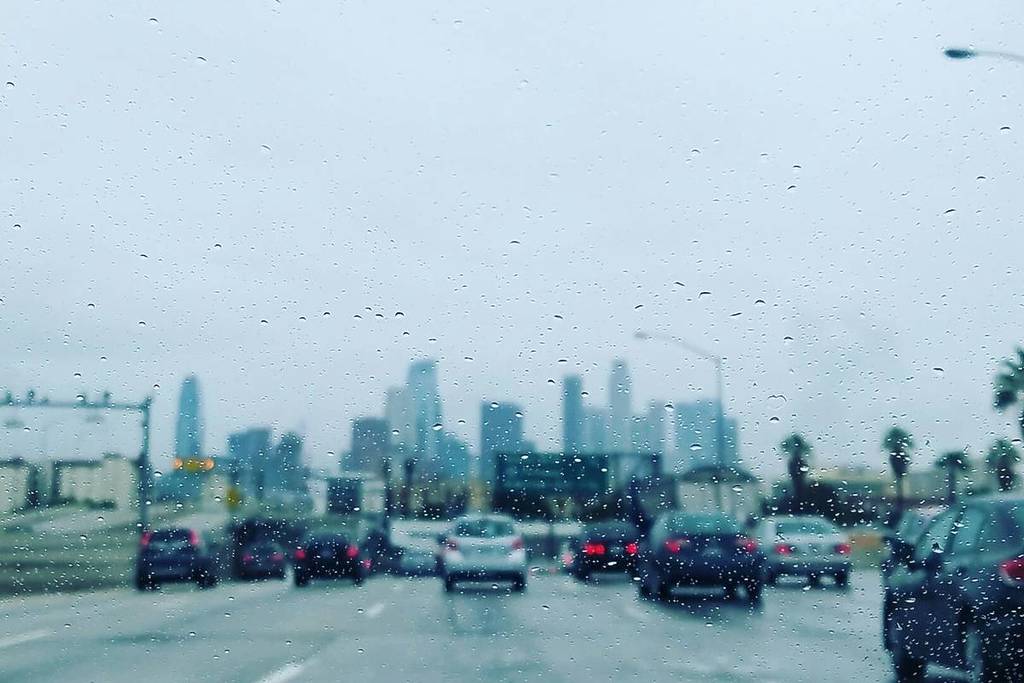
A major storm is hitting Los Angeles this week, causing the National Weather Service and government agencies to issue flood warnings, thunderstorm warnings, evacuation warnings, and more. The storm made landfall Tuesday night and is expected to intensify through Wednesday and Thursday.
On Tuesday night, Caltrans shut down several canyon roads in Malibu and Topanga, with officials warning of dangerous driving conditions.
Of course, the storm is coinciding with Christmas, potentially affecting travelers all over L.A. as they try to make it to their holiday plans. If you’re trying to get around Southern California by car, it’s essential to learn how to check road conditions. Here’s a quick guide.
Caltrans Mobile Quickmaps
🌐 Website: QuickMap.dot.ca.gov
🌐 App: CalTrans Mobile QuickMap app
Caltrans Mobile Quickmaps is an essential resource that updates local road closures in real time.
You will need to add the filters yourself via the dropdown menus at the top, which include road and land closures, traffic speed (“Fast—slow”), message signs, and more. It also includes links for FAQs and planned lane closures.
📱 Social media:
Alternatively, you can get real-time road information for your region on X and Instagram via the following official Caltrans accounts:
- District 7 – Los Angeles/Ventura – @CaltransDist7 on X / @caltransdistrict7 on Instagram
- District 5 – San Luis Obispo/Santa Barbara – @CaltransD5 on X / @caltrans_d5 on Instagram
- District 6 – Fresno/Bakersfield – @CaltransDist6 on X / @caltransdist6 on Instagram
NWS Los Angeles
🌐 Website: Weather.gov/lox
📱 Social media: @NWSLosAngeles on X
National Weather Service Los Angeles is providing continuous updates on local weather conditions. The website linked above includes links to all the active alerts, but you can also follow them on X for summaries and graphics of the information, which can be easier to follow.